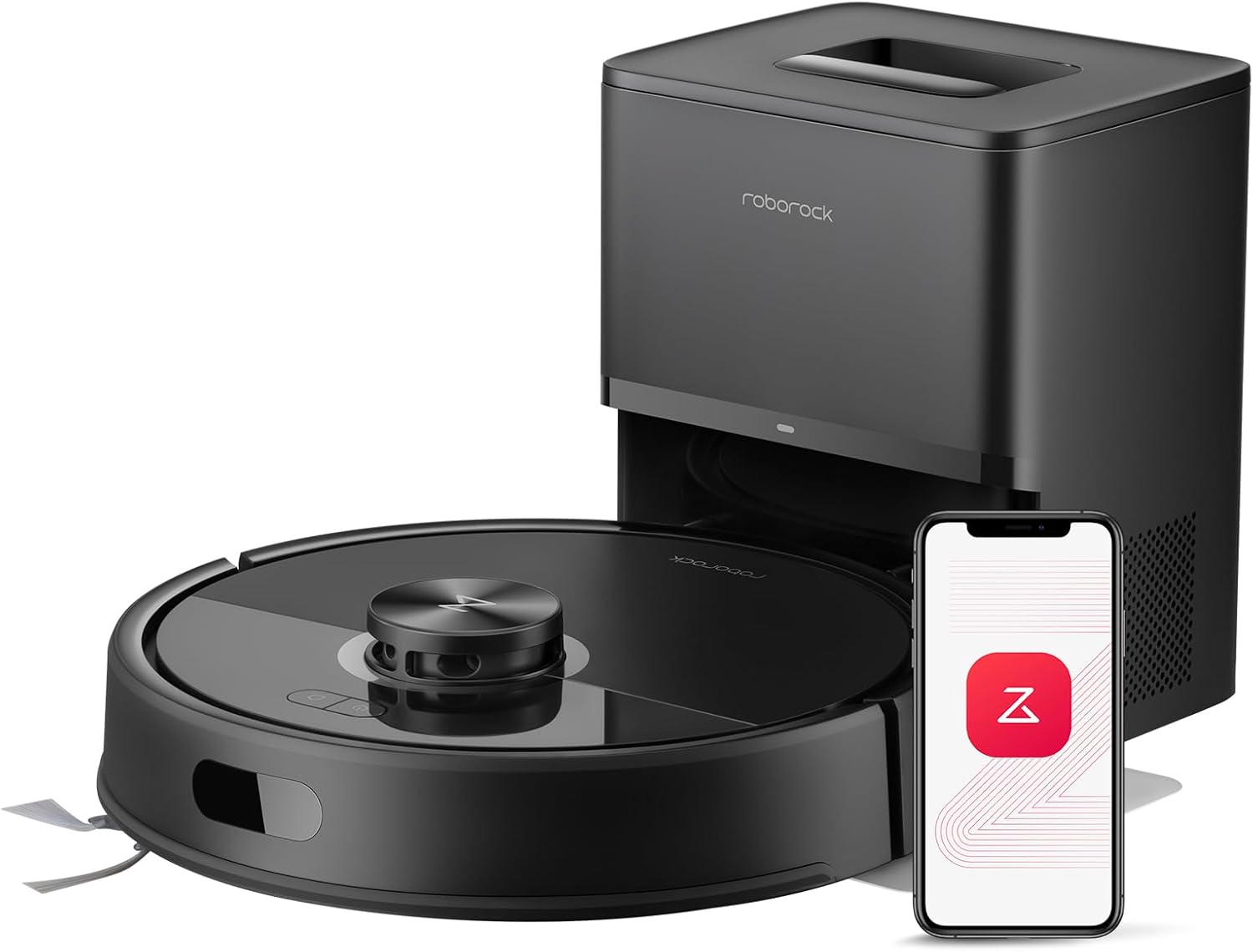
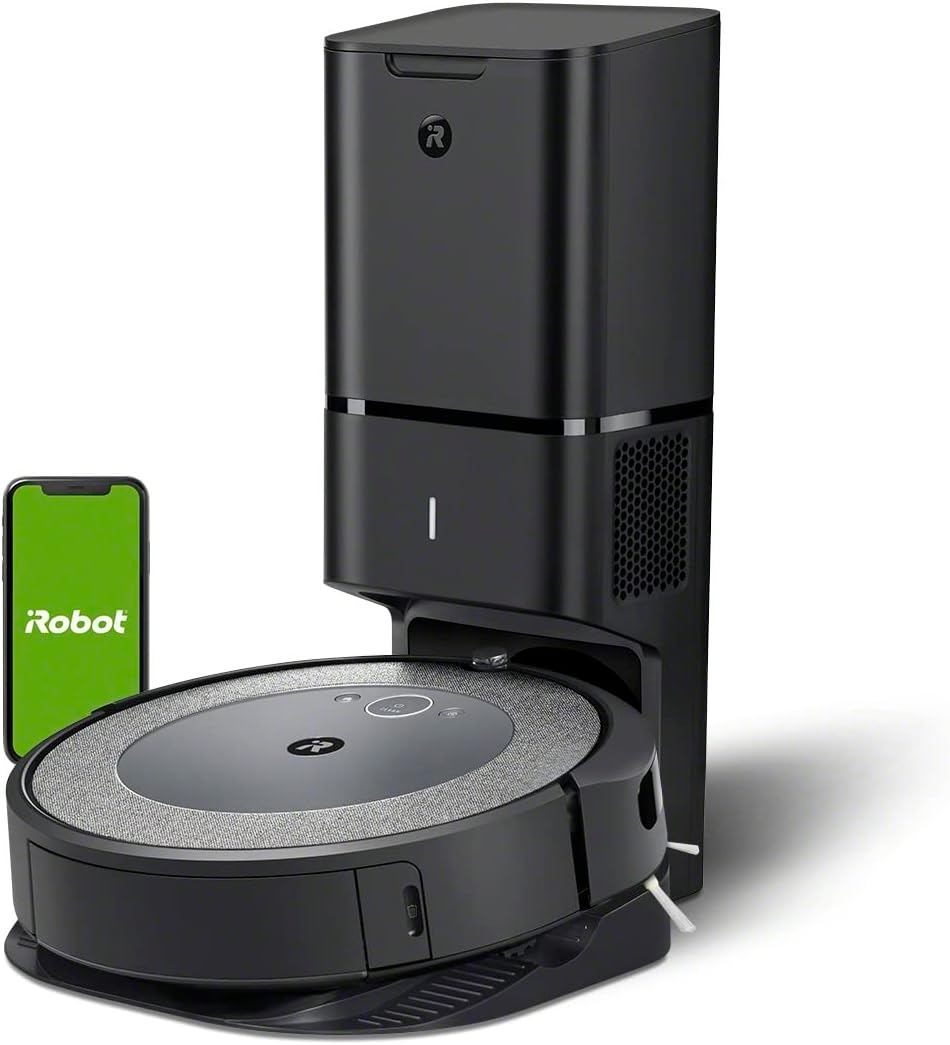
The roomba j7+ for cochlear implant users is one of the most accessible mainstream robot vacuums in 2026, because nearly every status update — start, pause, obstacle detected, bin full, dock returned — is delivered as a visual push notification through the iRobot Home app rather than only as a beep or voice prompt. For cochlear implant wearers who remove their processors at night, shower, or rest, this means you never miss a cleaning alert simply because your implant is off. The j7+ pairs PrecisionVision navigation, a clean self-emptying base, and rich in-app imagery (it actually photographs obstacles and asks you what they are), so deaf and hard-of-hearing households get the same situational awareness as hearing users — just through the screen instead of the speaker.
Below we break down why the j7+ works so well for implant users, where its accessibility falls short, and which alternative robots offer equally strong (or stronger) visual-first feedback in 2026.
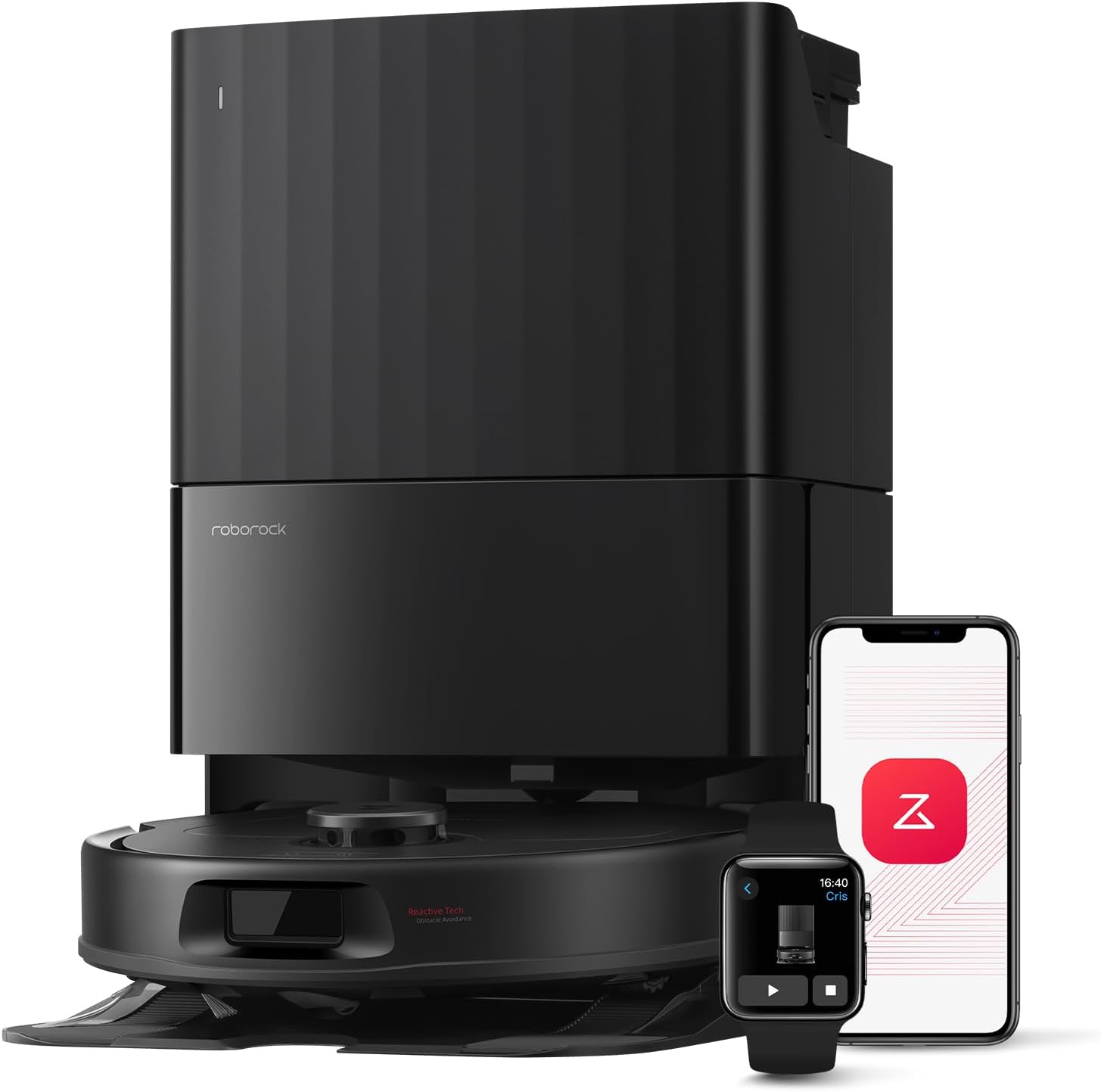
Why the Roomba j7+ Works Well for Cochlear Implant Users
Most robot vacuums rely heavily on audio: chimes when they start, voice prompts in English when they get stuck, and beeps when the bin fills. That design fails anyone who takes their cochlear implant processor off — which is most users at night, during charging, in the bathroom, or simply for sensory rest. The Roomba j7+ leans the other way. Its core feedback loop is the iRobot Home app, which pushes a phone or smartwatch notification for every meaningful event: "Roomba started cleaning the kitchen," "Roomba avoided a cord," "Bin is full," "Clean Base emptied successfully."
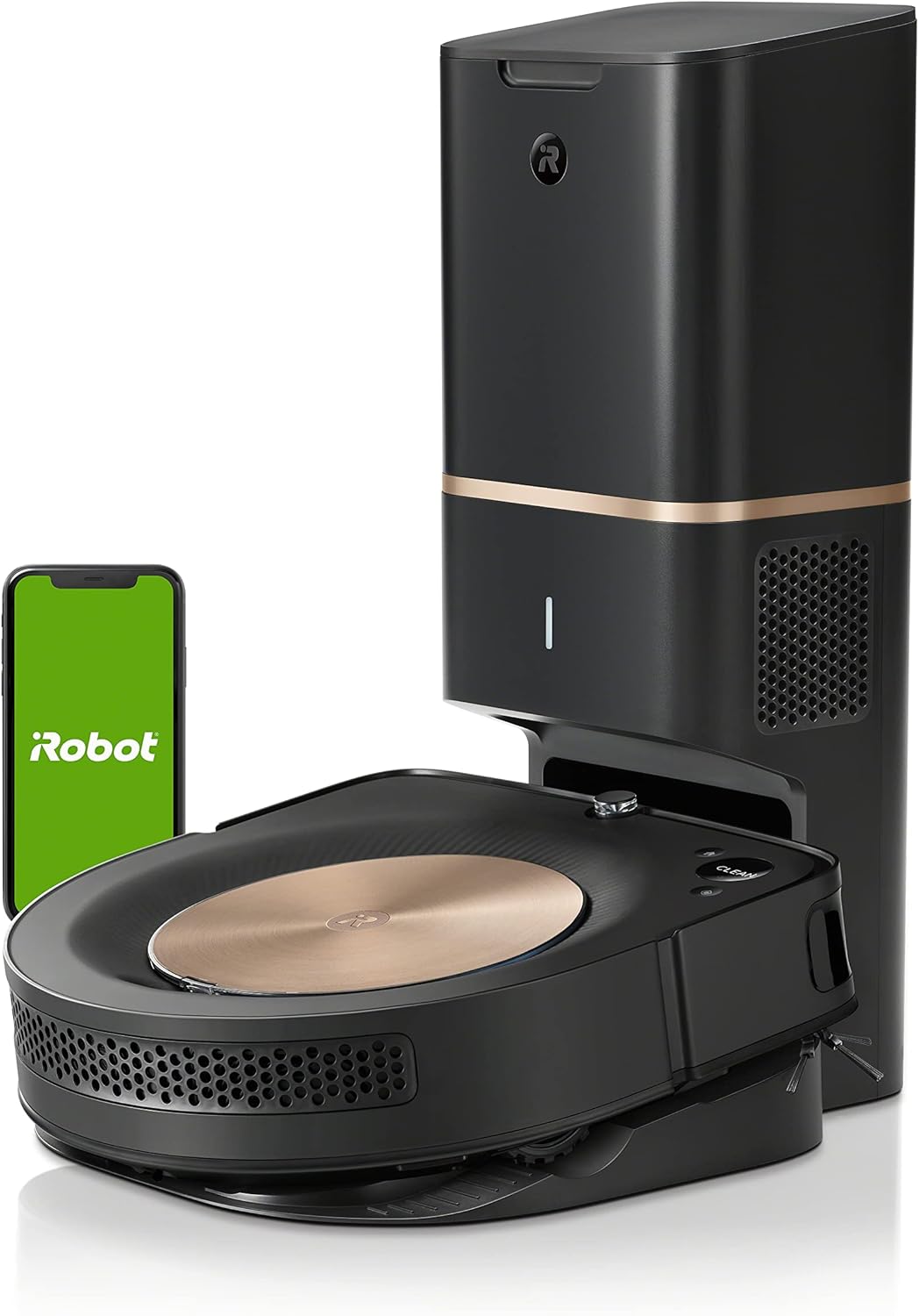
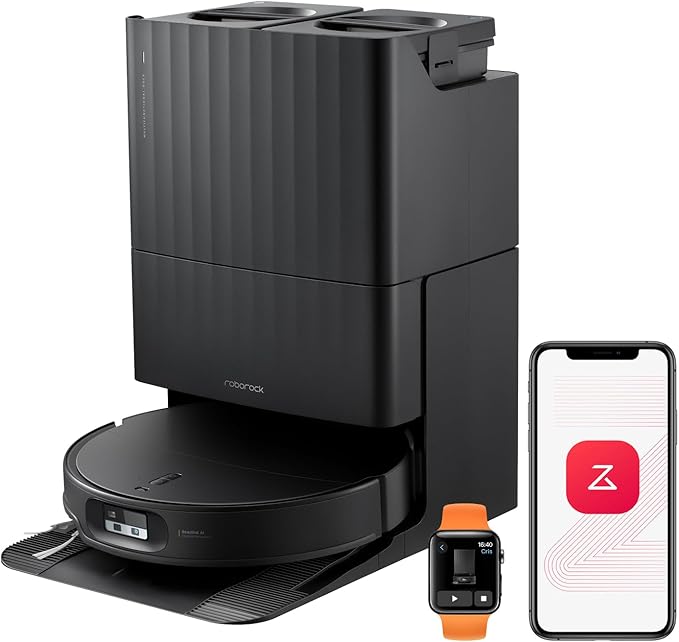
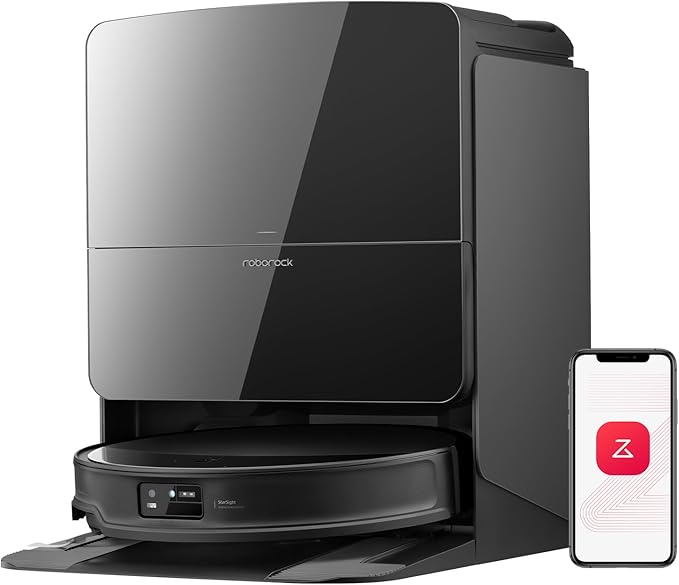
Three features make the j7+ especially friendly for implant wearers:
- Visual obstacle reports. When PrecisionVision spots something unexpected — a sock, a cable, a pet accident — the robot photographs it and asks you in-app whether to avoid it permanently. You see the obstacle; you don't have to hear a voice tell you about it.
- Apple Watch and Android Wear push alerts. A wrist buzz works whether your implant is on or off, which is huge for users who shower or sleep without their processor.
- Smart Map history with thumbnails. After every job, you get a visual map of exactly where it cleaned and where it skipped, so you can verify coverage without listening to a completion chime.
If you're shopping for the broader household, our guide to the best robot vacuums for deaf and hard-of-hearing households covers the same accessibility principles applied across price tiers.
Where the j7+ Falls Short — and Why You Might Look Elsewhere
The Roomba j7+ is excellent for visual alerts, but it has limits in 2026 that matter for some implant users:
- No mopping. The j7+ is vacuum-only. If you want one robot to handle hard floors and rugs, you'll need a combo unit.
- Modest suction by current standards. Newer robots push 22,000–36,000 Pa; the j7+ is far below that, which matters for pet hair and embedded debris.
- Notification reliability depends on the app. If iRobot's cloud service has an outage, your only feedback channel goes quiet.
That third point is the real reason many cochlear implant users now consider alternative brands: redundancy. A robot with both rich app notifications and a bright, glanceable LED status ring on the dock gives you a backup channel that doesn't depend on cloud uptime.
Comparison: Roomba j7+ vs. Top Visual-Alert Alternatives in 2026
| Model | App Push Alerts | Visual Obstacle Photos | Dock LED Status | Mop? | Best For |
|---|---|---|---|---|---|
| Roomba j7+ | Excellent | Yes | Basic | No | Visual-first households, vacuum only |
| Roborock Saros 20 | Excellent | Yes (StarSight AI) | Bright LED ring | Yes | Maximum suction + redundant alerts |
| Roborock Saros 10R | Excellent | Yes | Bright LED ring | Yes | Low-profile homes, tangle-free |
| Roborock Qrevo Edge 2 | Excellent | Yes | LED indicator | Yes | Ultra-slim under-furniture cleaning |
| Shark PowerDetect | Good | Limited | Status lights | Yes | Budget-friendly self-empty + mop |
Top Picks for Cochlear Implant Users in 2026
1. Roborock Saros 20 — Best Overall Alternative to the j7+
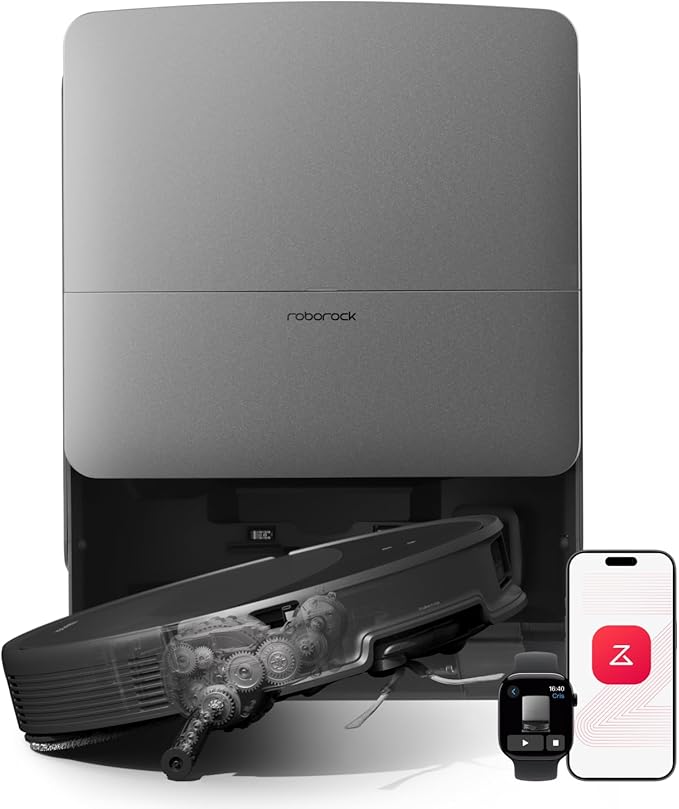
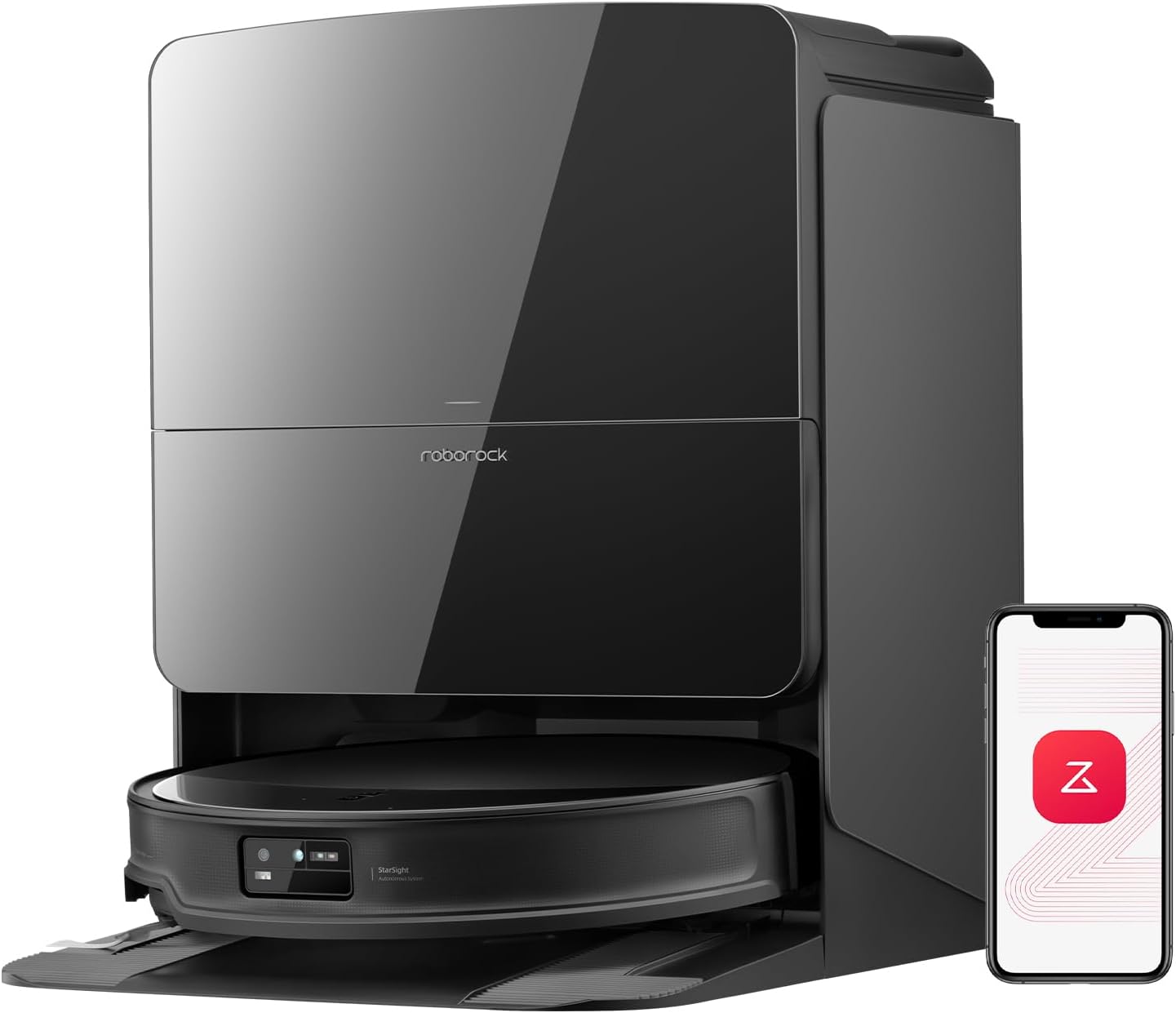
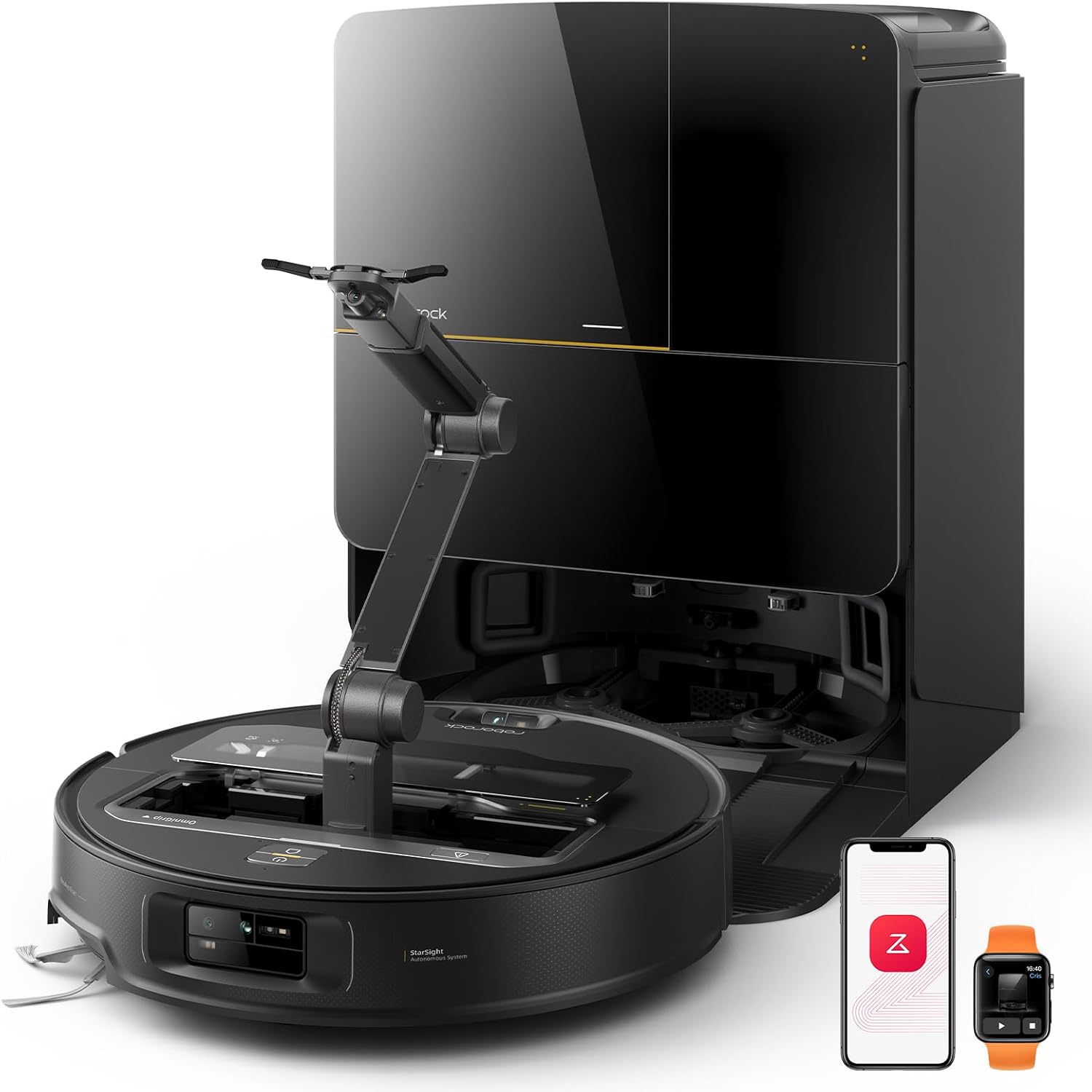
If you want everything the roomba j7+ for cochlear implant users does well — and then some — the Saros 20 is the 2026 pick. Its 36,000 Pa suction blows past the Roomba in raw cleaning power, but for implant users the real story is feedback: the Roborock app pushes detailed visual notifications (start, finish, obstacle photo, mop-pad wash cycle, water-tank empty), and the dock itself has a bright LED ring that changes color based on status, giving you a second visual channel that doesn't depend on your phone. The StarSight AI camera identifies obstacles and shows you what it found. Check the Roborock Saros 20 on Amazon.
2. Roborock Saros 10R — Best for Low-Profile Homes
The Saros 10R is the slimmest premium robot Roborock makes, which means it slides under furniture the j7+ gets stuck on — and stuck robots are an accessibility issue, because the "I'm stuck" voice prompt is useless if you can't hear it. The 10R's zero-tangling brush design also reduces the number of intervention alerts you'll receive in the first place. Notifications mirror the Saros 20: rich app push, dock LED, and a Smart Map you can glance at to confirm coverage. Check the Roborock Saros 10R on Amazon.
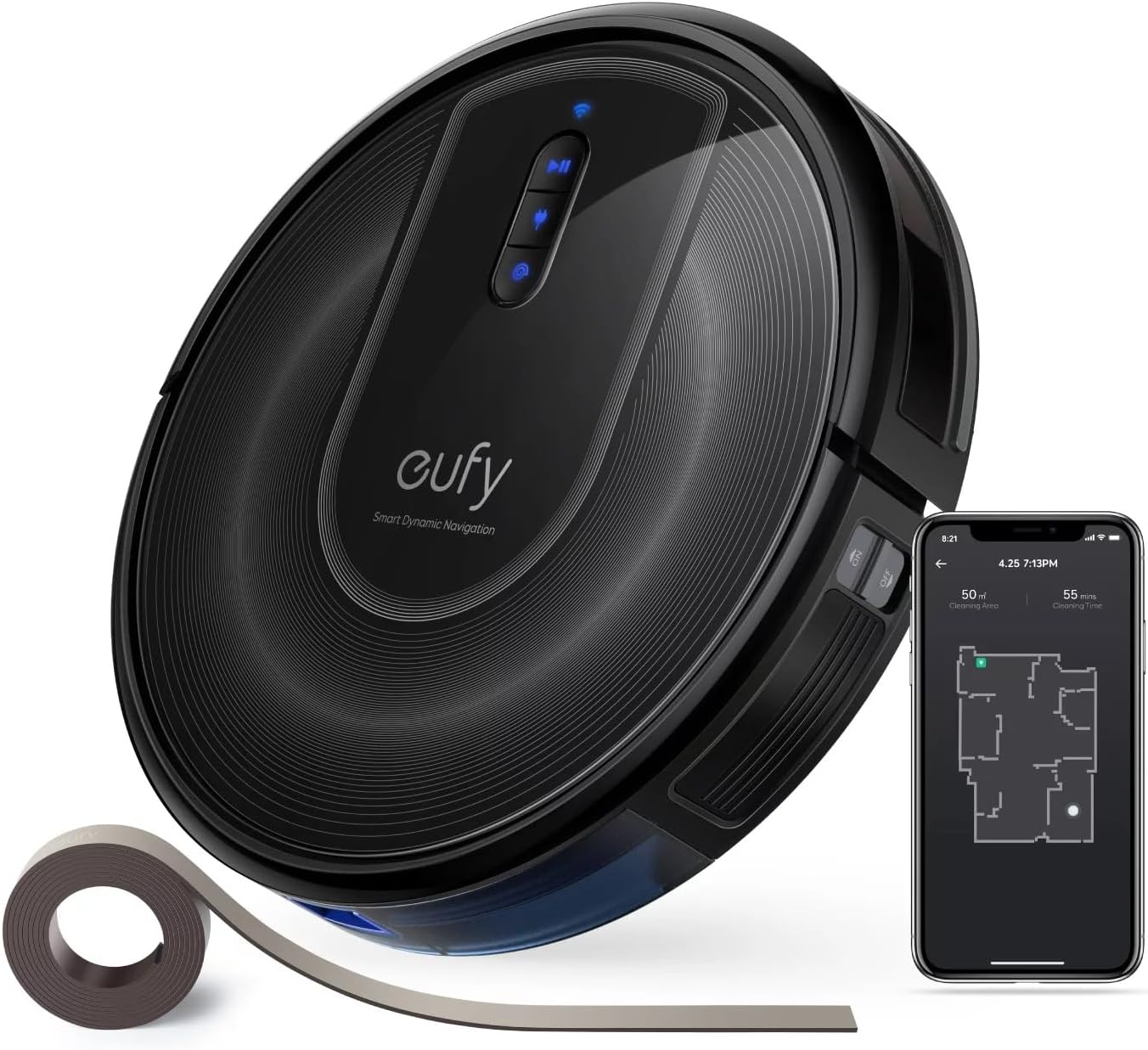
3. Roborock Qrevo Edge 2 — Best Ultra-Slim Pick
For households with low couches, beds, and media stands, the Qrevo Edge 2's ultra-slim chassis pairs with 25,000 Pa suction and edge-extending mop arms. The Roborock app delivers the same visual-first notification stack, including bin-full and water-tank alerts as phone push notifications rather than spoken prompts. This is a strong middle-ground choice between the j7+ and the flagship Saros line. Check the Roborock Qrevo Edge 2 on Amazon.
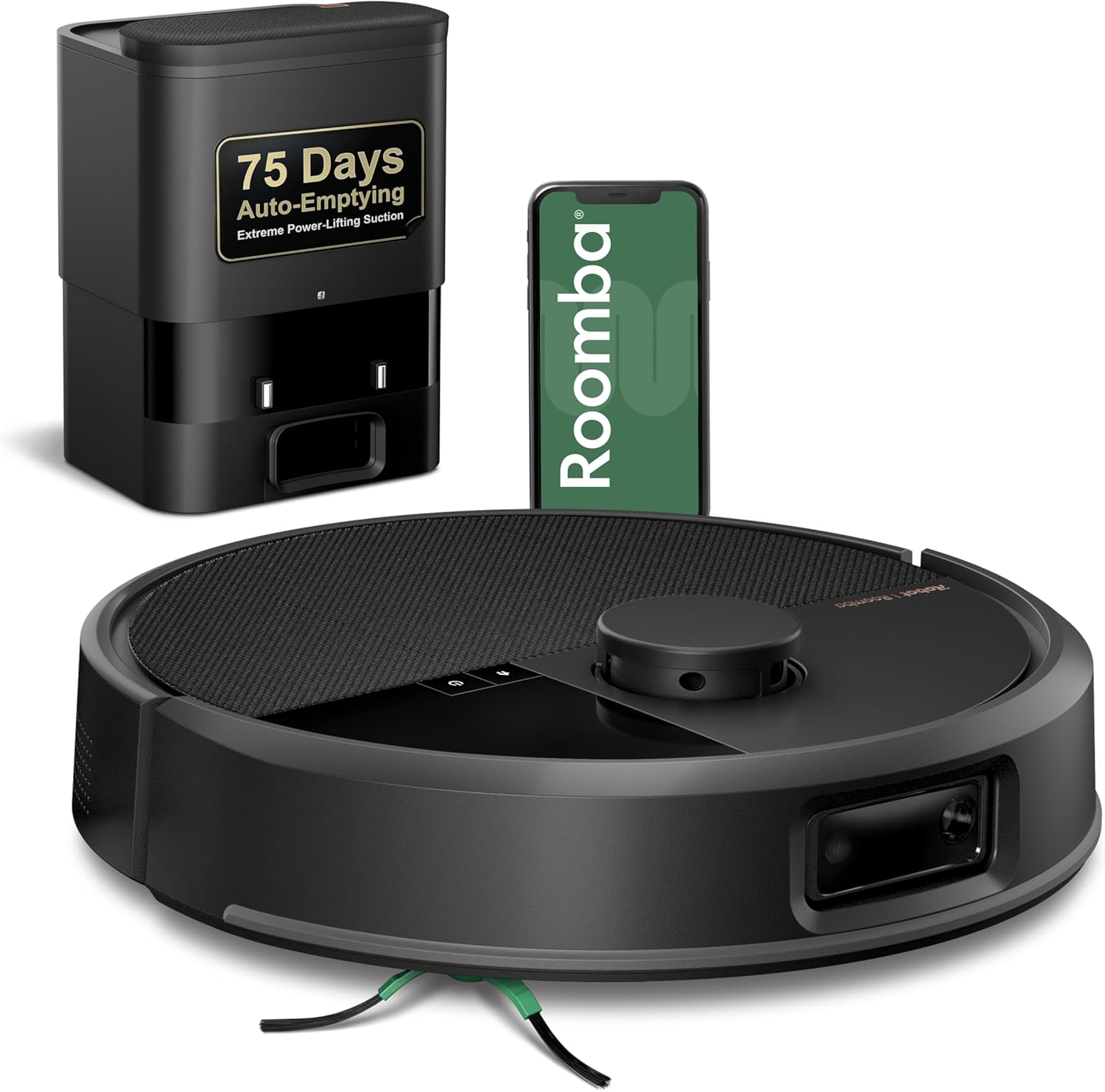
4. Shark PowerDetect NeverTouch Pro — Best Budget Visual-Alert Option
If the premium Roborocks stretch your budget, the Shark PowerDetect NeverTouch Pro is the most accessible robot in its price tier. SharkClean app notifications cover the events that matter — start, finish, error, bin empty, base needs attention — and the self-empty base and mop combo means fewer hands-on maintenance moments. Visual feedback isn't quite as rich as the j7+ (no obstacle photos), but the app push alerts and on-base LED indicators are reliable. Check the Shark PowerDetect on Amazon.
How to Set Up Any Robot Vacuum for Maximum Visual Accessibility
Whatever robot you choose — the roomba j7+ for cochlear implant users or one of the alternatives above — a few setup steps dramatically improve the visual feedback experience:
- Enable all push notification categories in the manufacturer app. Most default to only the major events; turn on obstacle, bin, dock, and error categories.
- Install the app on a smartwatch. A wrist buzz is the most reliable alert channel when your processor is off.
- Mute the robot's voice prompts in settings. This forces all feedback through the app and prevents hearing partners from being relied on as translators.
- Place the dock in a visible spot. If your dock has a status LED, put it somewhere you'll naturally see — not tucked behind a couch.
- Use a smart-home flashing-light alert. Pair the app with IFTTT, Apple Shortcuts, or a smart bulb to flash a room light when the robot needs attention.
For more on tuning robot vacuums for sensory accessibility, see our guide to robot vacuums with the best smartphone notifications.
Frequently Asked Questions
Does the Roomba j7+ have a silent mode for cochlear implant users who sleep without their processor?
Yes. In the iRobot Home app, you can disable voice prompts and chimes entirely. The robot will still operate normally, but all status updates come through visual app notifications. Combined with a scheduled night clean, this lets you run the robot while sleeping without missing anything in the morning when you put your processor back on.
Can I get a flashing light alert when the Roomba j7+ bin is full?
Not natively, but you can wire it up easily. Use Apple Shortcuts or IFTTT to listen for the "bin full" push notification from the iRobot app and trigger a smart bulb (Hue, LIFX, Kasa) to flash. Many cochlear implant users pair this with their existing doorbell or smoke-alarm flasher system.
Is the Roomba j7+ better than newer Roborock models for deaf and hard-of-hearing users?
The j7+ has the strongest obstacle-identification photos in its class, which is uniquely useful for visual-first users. But Roborock's 2026 flagships — the Saros 20 and Saros 10R — offer richer app notifications, brighter dock LEDs, and mopping. For pure accessibility, Roborock has caught up and arguably surpassed iRobot in 2026.
Will the Roomba j7+ wake me up if I sleep without my cochlear implant?
No. The j7+ runs at roughly 60–65 dB, but more importantly, the app notifications are silent unless you've enabled phone sound. Many implant users specifically schedule the j7+ to run while they sleep — they wake up to a finished-clean push notification on their watch, not to a noisy interruption.
Can I see exactly where the Roomba j7+ cleaned without listening to a completion announcement?
Yes. After each job, the Smart Map in the iRobot app shows the full cleaning path, areas covered, areas skipped, and total runtime. This is the primary way most accessibility-focused users verify a clean finished correctly — no audio needed.
Are there robot vacuums with vibration alerts for cochlear implant users?
The robot itself doesn't vibrate, but pairing any app-based robot (j7+, Roborock, Shark) with an Apple Watch or Android Wear smartwatch gives you wrist-vibration alerts for every notification. This is the most reliable alert channel when your processor is off, and it works identically across all the picks in this guide.
What's the best robot vacuum and mop combo for cochlear implant users in 2026?
The Roborock Saros 20 is our top pick — strongest suction, richest visual notifications, brightest dock LED, and full mopping with auto pad-washing. For a more affordable combo, the Shark PowerDetect NeverTouch Pro offers solid app alerts and a self-empty base at a much lower price.
For broader shopping context, browse our roundup of the best robot vacuums with app-only notifications to compare every accessibility-friendly option side by side.
Key Takeaways
- Choosing the right roomba j7+ for cochlear implant users means matching capacity and output ports to your actual devices
- Always check actual watt-hours (Wh), not just watts — runtime depends on Wh, not peak output
- Also covers: robot vacuum with visual app alerts
- Also covers: roomba j7 plus for hearing impaired
- Also covers: best robot vacuum with notification flashes
- Compare price-per-Wh across models to find the best value for your budget