For anyone evaluating the roomba j7 plus for deaf homeowners, the short answer is yes: the iRobot j7+ is one of the most accessible robot vacuums on the market because it pushes detailed visual alerts through the iRobot Home app instead of relying on audible chimes or voice prompts. Push notifications cover stuck robots, full bins, dirty mop pads (on compatible models), obstacle photos, and completed jobs, all with timestamped on-screen messages that Deaf and hard-of-hearing users can read at a glance. Paired with smartwatch mirroring, LED indicators on the dock, and flash-based alerts on iOS and Android, the j7+ removes the audio dependency that plagues most competing robots in 2026.
Why the Roomba j7+ Is Built Around Visual Alerts
Most robot vacuums announce errors with beeps or robotic speech. That design assumption fails Deaf and hard-of-hearing households. The j7+ takes a different approach: every status change is mirrored to the iRobot Home app as a push notification, an in-app card, and a banner that can be replicated to an Apple Watch, Wear OS device, or any phone with LED flash and vibration alerts enabled. If the robot gets caught on a charging cable, the app sends a photo of the obstacle along with a text description, so users can identify and resolve issues without ever hearing the robot.
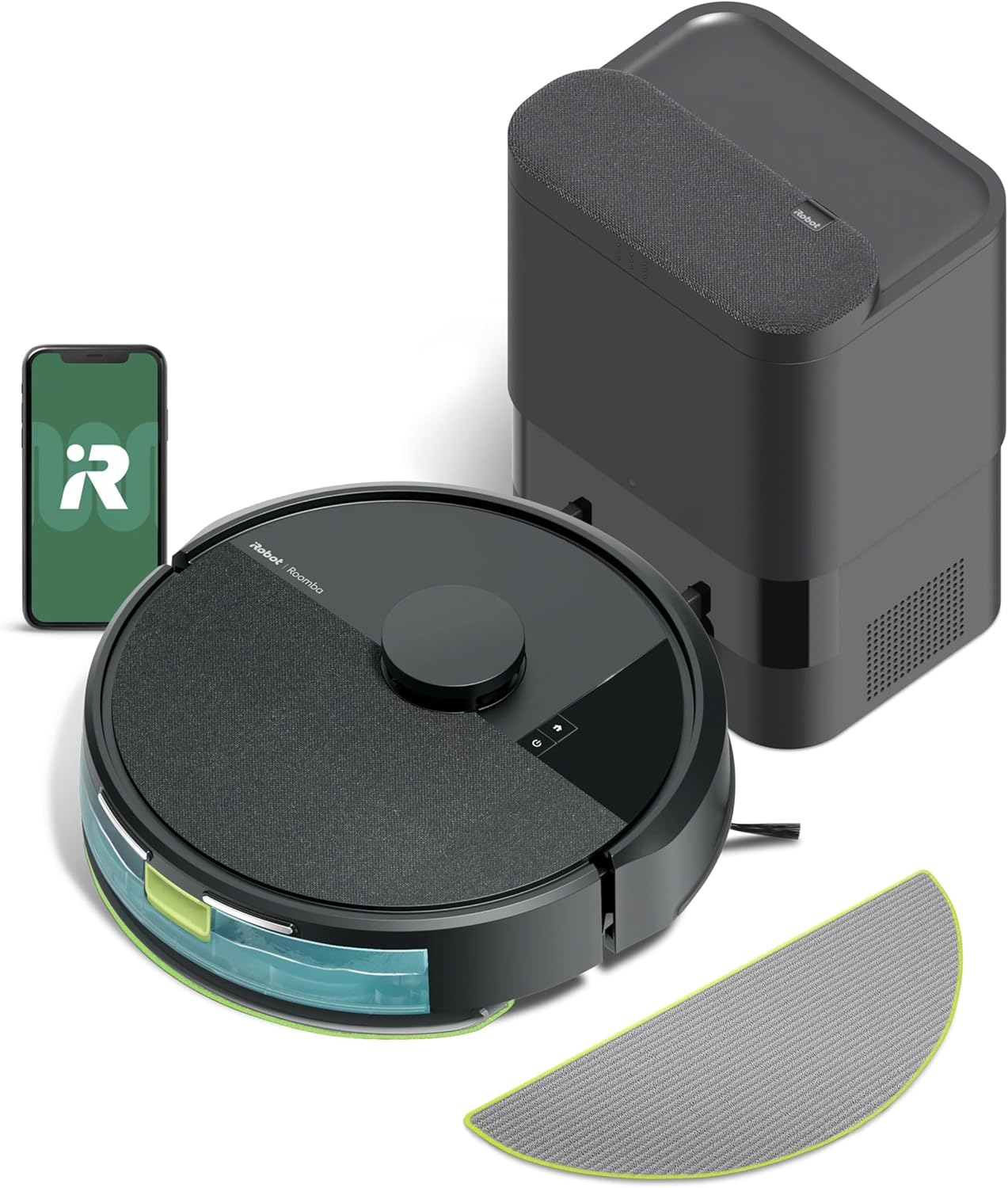
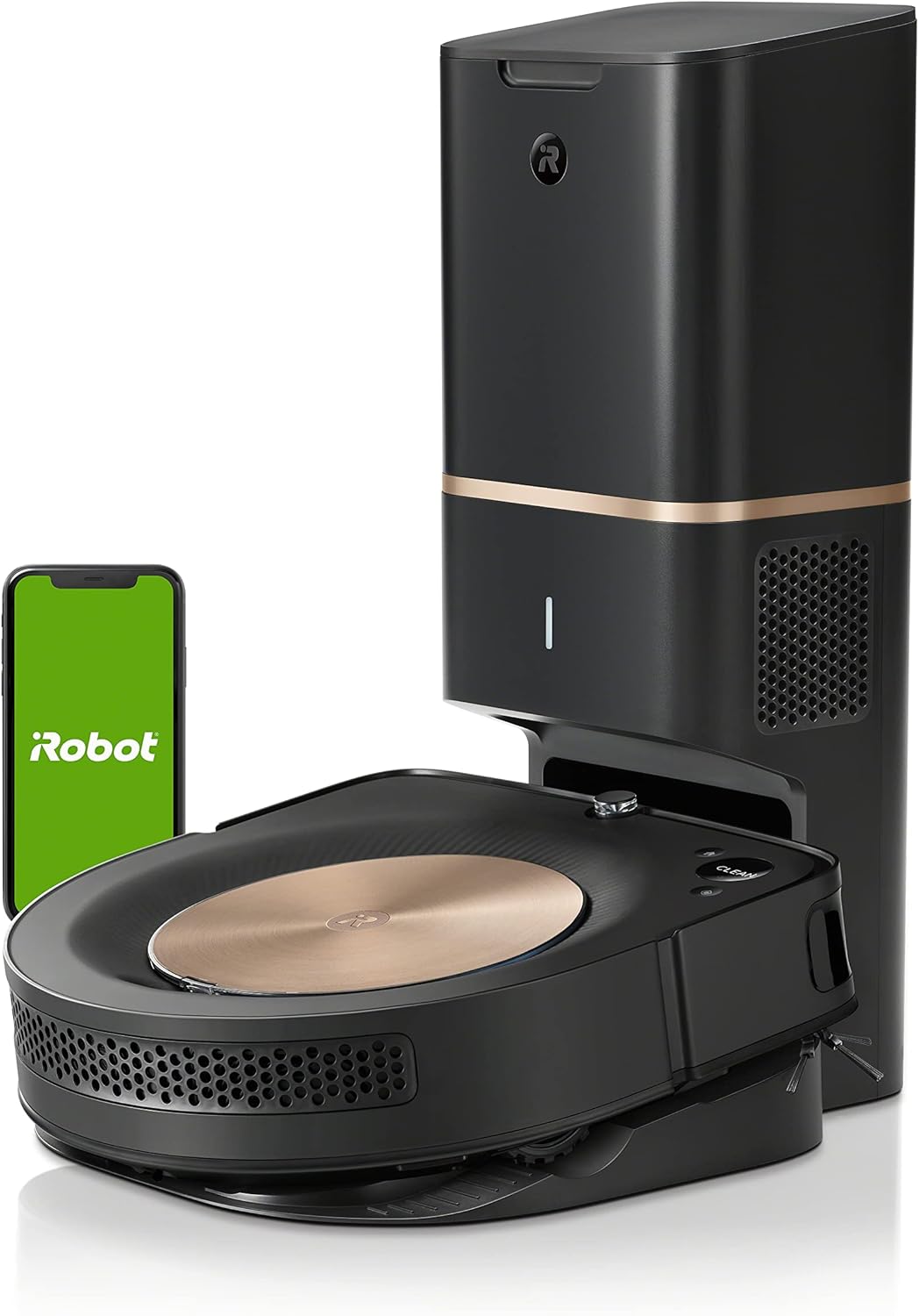
Choosing the roomba j7 plus for deaf homeowners means relying on a notification stack that includes: clean job started, clean job paused, obstacle detected with photo, Clean Base full, bin empty confirmation, error codes with plain-language explanations, and battery low warnings. None of these require sound. The Clean Base also uses a steady white LED ring to indicate emptying status, providing a second visual channel for users who keep their phone in another room.
Setting Up Visual-First Notifications on the j7+
The iRobot Home app installs on iOS 14+ and Android 9+. During onboarding, deaf users should enable the following:
- All push categories under Settings > Notifications, including job summary, errors, and obstacle reports.
- LED Flash for Alerts (iOS Accessibility) or Flash notifications (Android Accessibility), so the camera flash strobes when the j7+ sends a push.
- Haptic / vibration patterns linked specifically to iRobot, so the wrist or pocket buzz is distinguishable from email or social alerts.
- Smart Home routines via Alexa, Google Home, or SmartThings to flash a Hue or LIFX bulb when the robot finishes a job or reports an error.
That final step is the game-changer. By routing iRobot notifications through a smart-home hub, the j7+ can flash a kitchen lamp red on errors, green when a job completes, and amber when the Clean Base needs emptying. The article on best robot vacuums for accessibility walks through the exact routine templates.
How the j7+ Compares to Other Visual-Alert Robots in 2026
While the Roomba j7+ remains our top pick for visual alerts, several 2026 competitors now offer comparable or even more detailed in-app reporting. Deaf homeowners who want a mopping combo, ultra-thin chassis, or a self-cleaning dock should consider these alternatives — each was selected because its companion app sends rich visual notifications without requiring audible confirmation.
| Model | App Visual Alerts | Obstacle Photos | Smart-Home Light Integration | Self-Empty / Mop |
|---|---|---|---|---|
| Roomba j7+ | Excellent (push + watch) | Yes | Alexa, Google, SmartThings | Self-empty only |
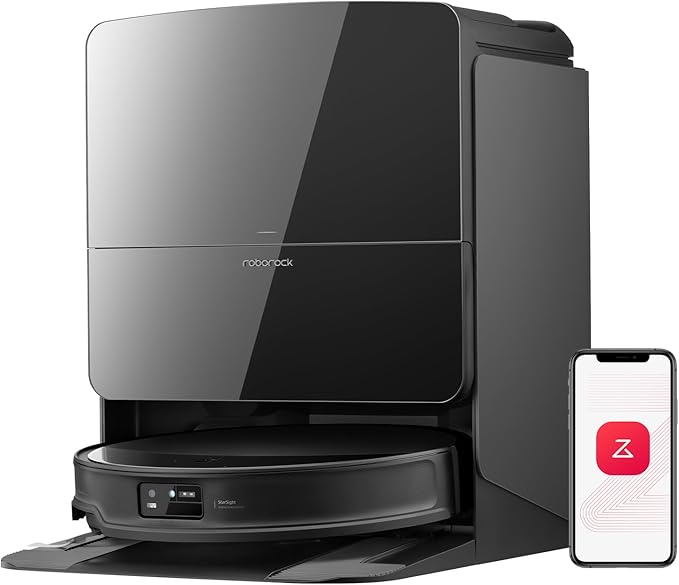
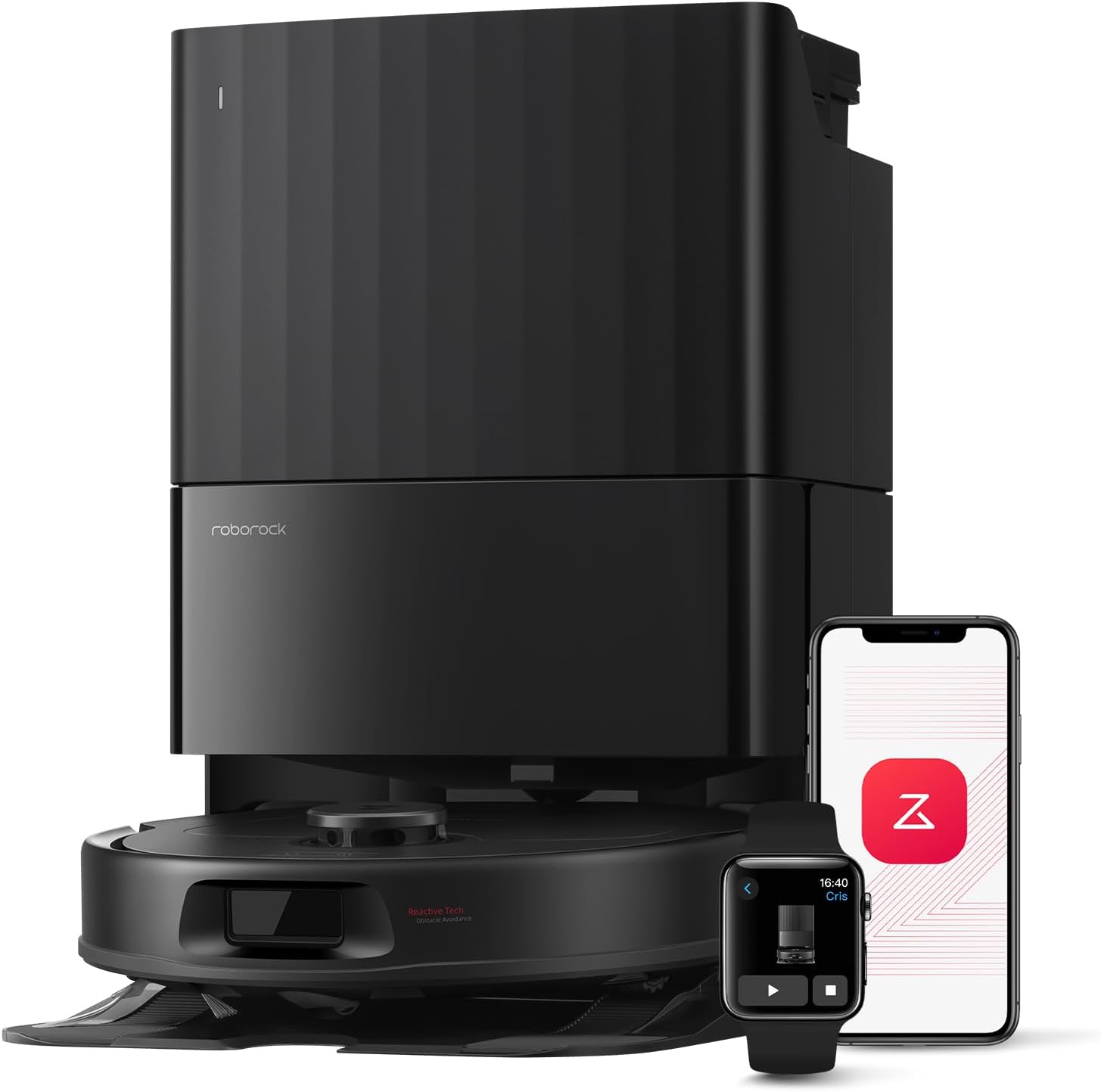
| Roborock Saros 20 | Excellent (live map alerts) | Yes (Reactive AI 3.0) | Matter + Home Assistant | Self-empty, wash, dry mop |
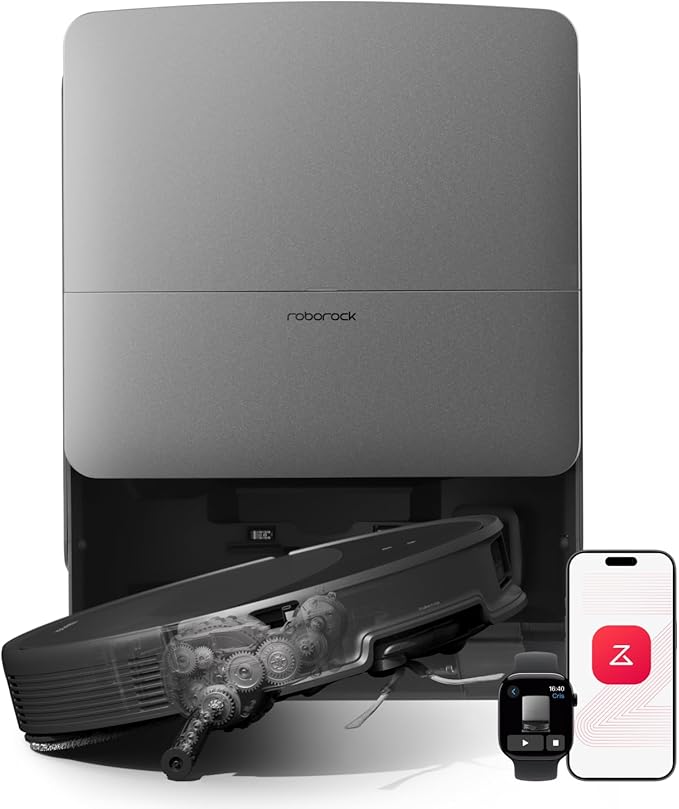
| Roborock Saros 10R | Very good | Yes | Matter + Alexa | Self-empty, wash, dry mop |
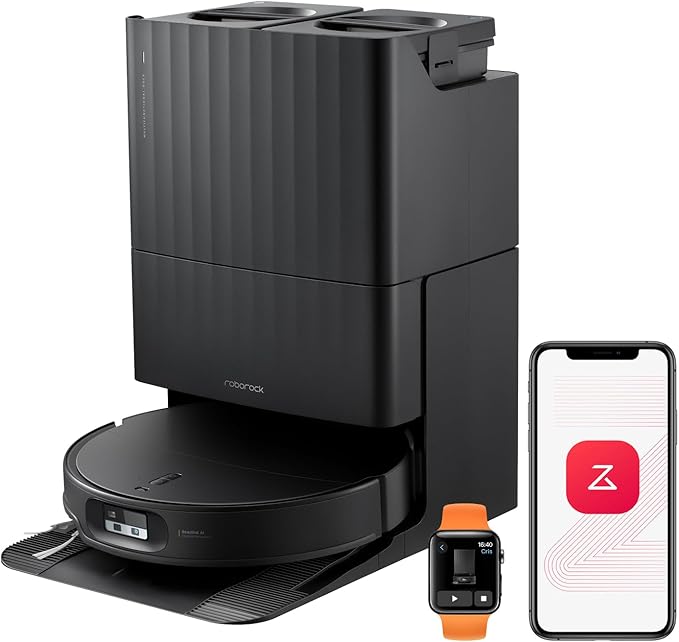
| Roborock Qrevo Edge 2 | Very good | Yes | Matter + Alexa | Self-empty, wash, dry mop |
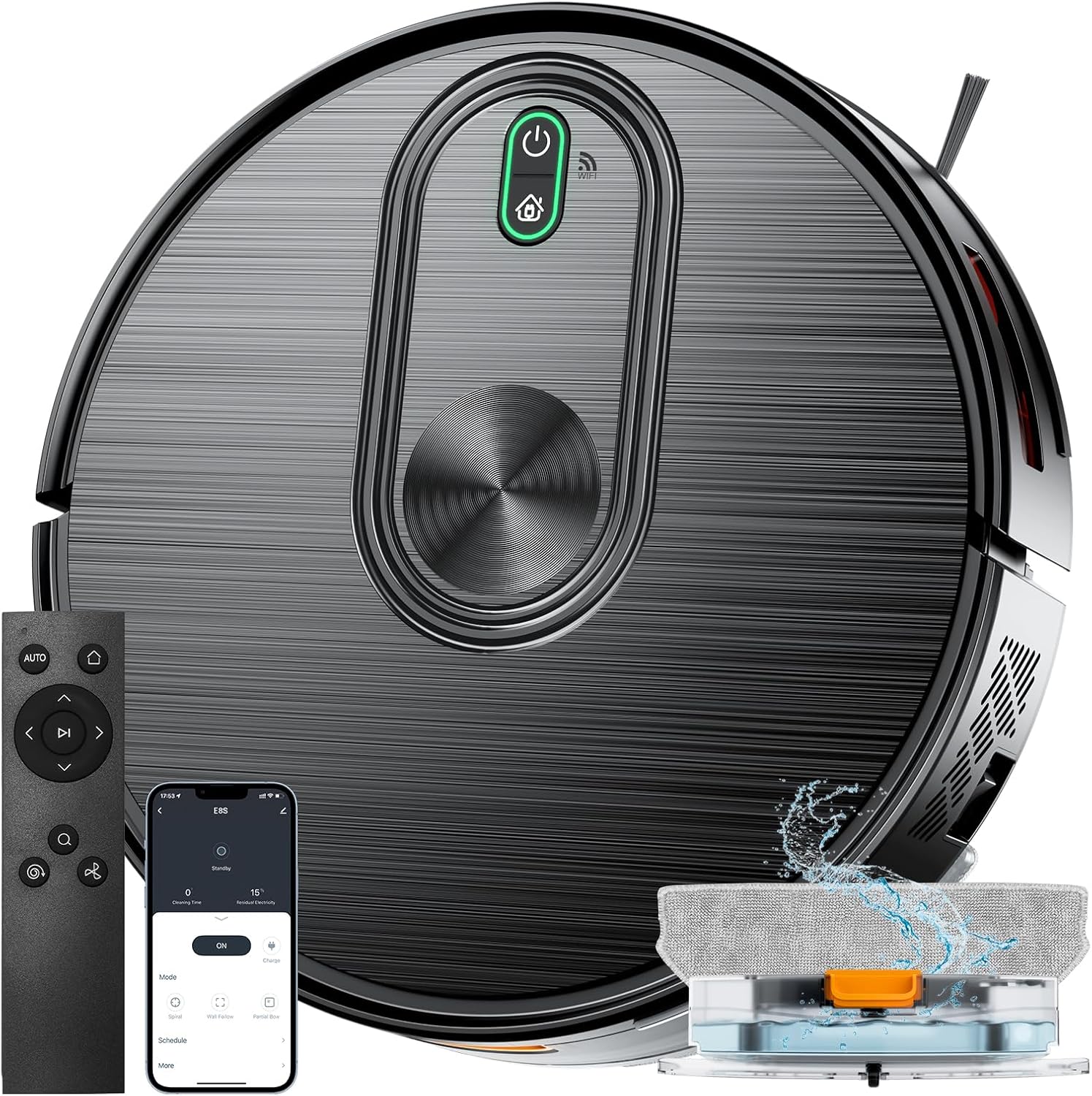
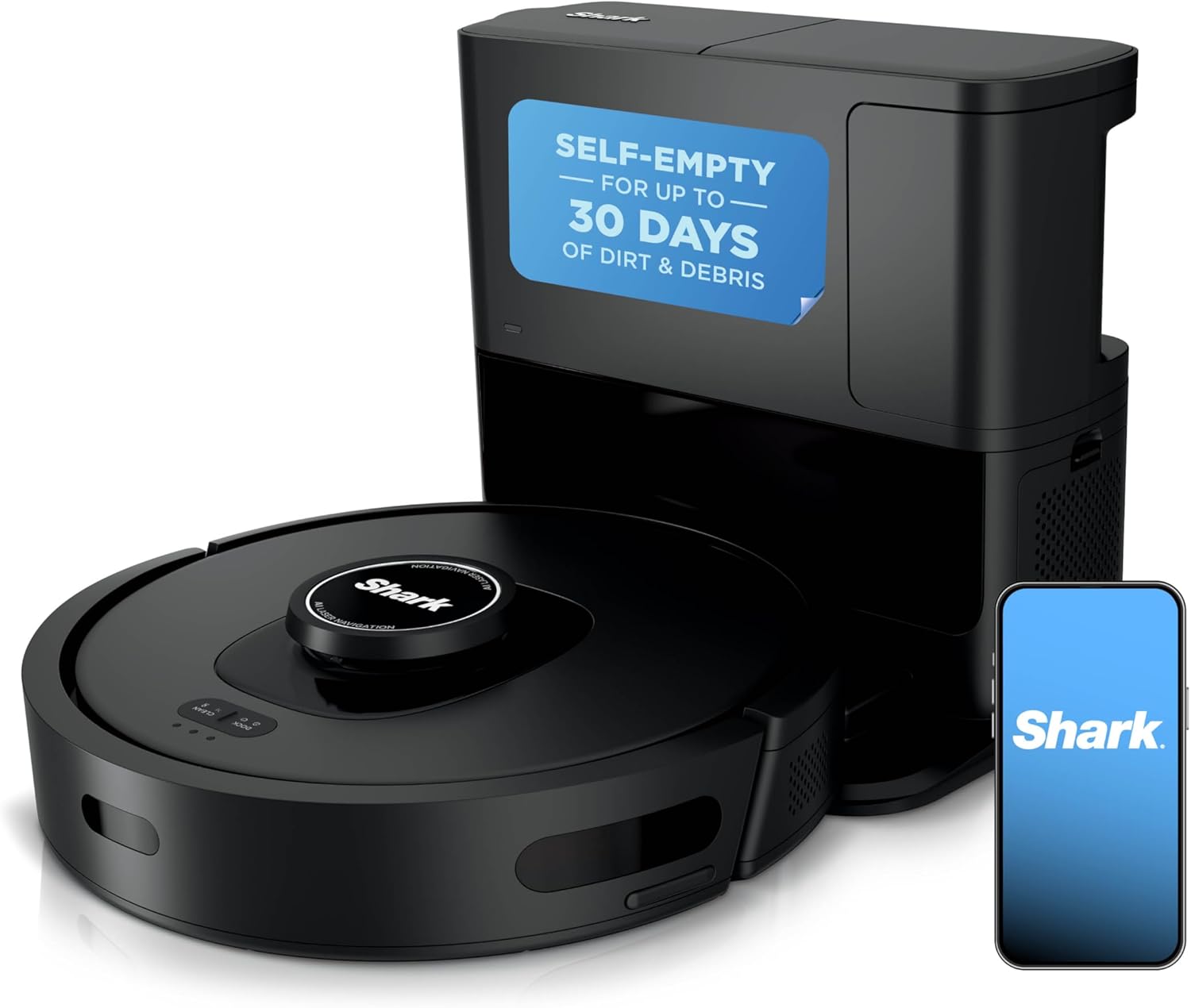
| Shark PowerDetect NeverTouch Pro | Good (SharkClean app) | Limited | Alexa, Google | Self-empty, wash, dry mop |
| Shark Matrix Plus 2-in-1 | Good | No | Alexa, Google | Self-empty, sonic mop |
Top Robot Vacuums With Visual App Alerts for Deaf Homeowners
Roborock Saros 20 — Best Premium Alternative With Live Map Notifications
The Saros 20 is the strongest 2026 alternative to the j7+ for households that want both visual alerts and serious mopping power. Its 36,000 Pa suction and Reactive AI 3.0 send obstacle photos directly to the Roborock app, and every error includes a plain-text explanation rather than a numeric code. Deaf users can pin the live map to their lock screen on iOS 17+ and watch the robot move in real time without audio. The dock washes and hot-air dries its own mop pads, eliminating the audible "dirty mop" warning that older robots required. See it on Amazon.
Roborock Saros 10R — Best Ultra-Slim Pick With Zero-Tangling Brush
At just 7.98 cm tall, the Saros 10R slips under low-clearance furniture where the j7+ cannot reach. The 22,000 Pa suction and dual-arm zero-tangling brush remove the most common "stuck" error category — hair wrap — which means fewer visual alerts to act on in the first place. The Roborock app supports Matter, so notifications can trigger Hue, LIFX, or Nanoleaf scenes automatically. For Deaf homeowners with pets, the reduction in tangle-related stops is the single biggest quality-of-life improvement. Check current pricing on Amazon.
Roborock Qrevo Edge 2 — Best Value Mop-and-Vacuum Combo
The Qrevo Edge 2 offers 25,000 Pa suction, an extending side brush for corners, and a flat-edge chassis that hugs baseboards. Its app sends the same rich visual notifications as the flagship Saros line — obstacle photos, completion summaries, and dock-status banners — at a noticeably lower price point. For deaf homeowners who want the full self-cleaning dock experience without the Saros 20 price tag, this is the sweet-spot pick. Available on Amazon.
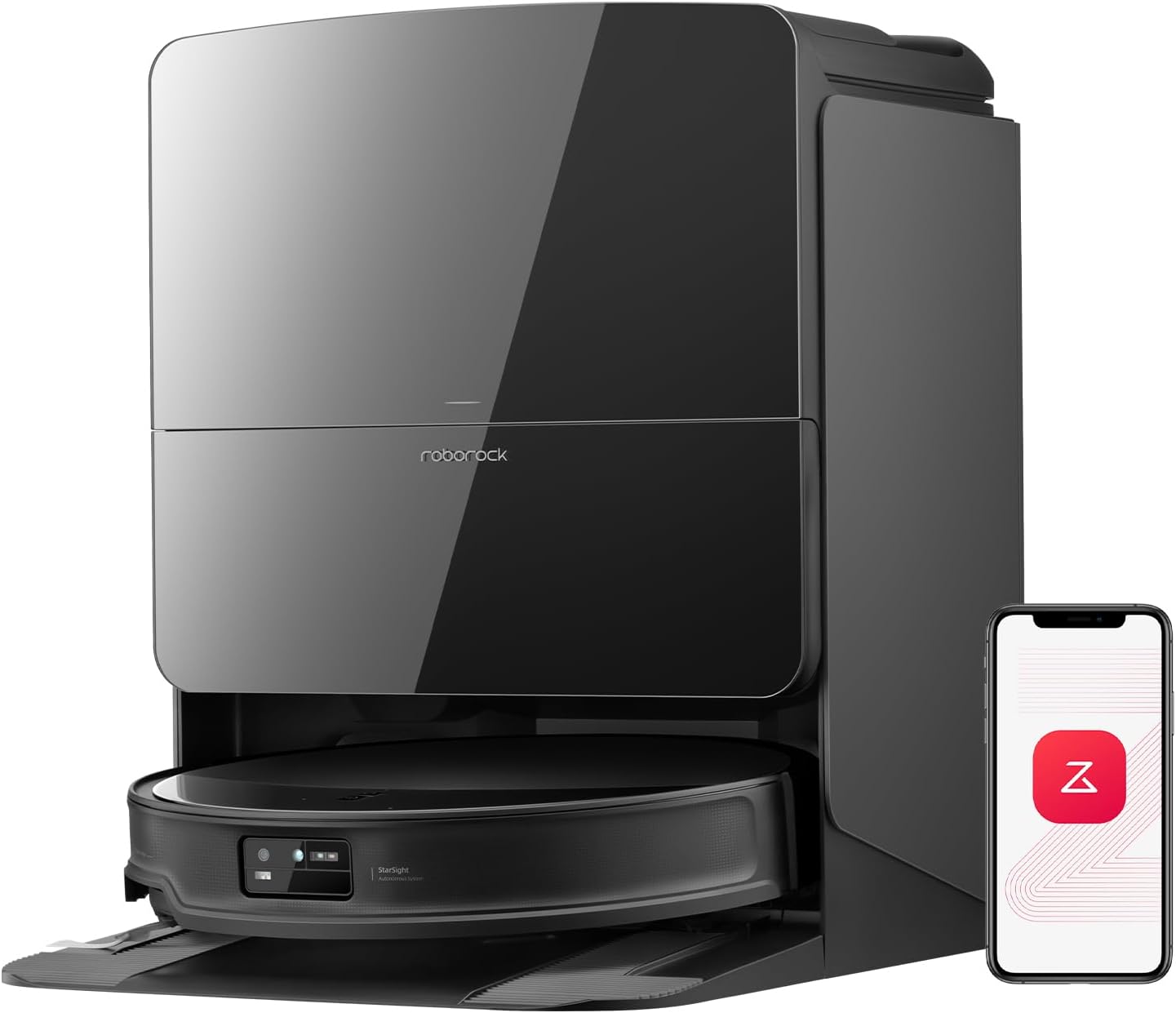
Shark PowerDetect NeverTouch Pro — Best for Smart-Home Light Routines
The SharkClean app does not send obstacle photos, but its notification reliability is excellent and it integrates cleanly with Alexa routines. We recommend pairing it with a colored smart bulb so that job-complete, error, and dock-full events each trigger a different lighting color. The NeverTouch Pro's bagless self-empty dock also reduces the maintenance notifications you'll receive overall. Browse on Amazon.
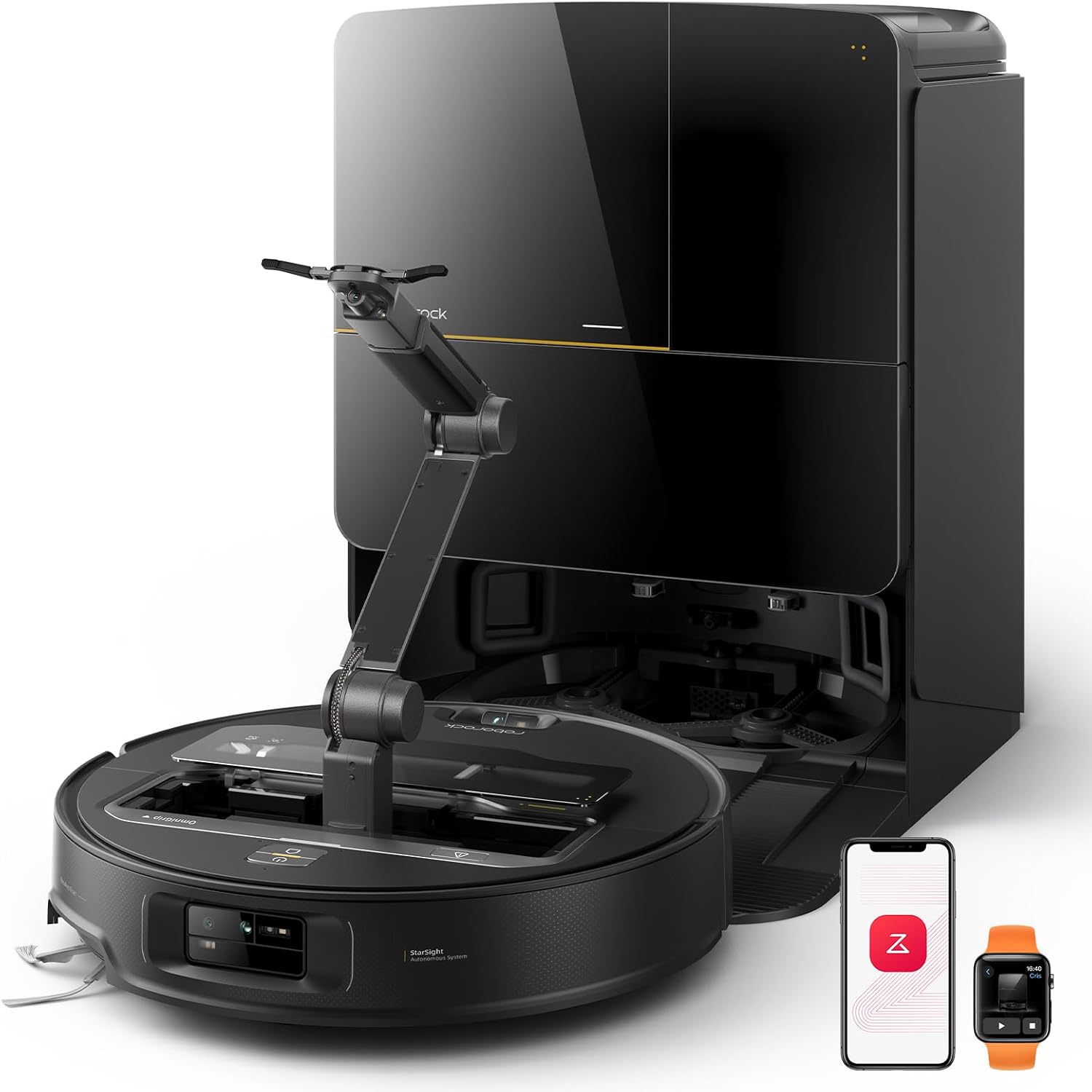
Shark Matrix Plus 2-in-1 — Best Budget Sonic Mopping Option
For renters and smaller homes, the Matrix Plus delivers sonic mopping and matrix-grid cleaning at a lower entry price. Visual app notifications cover the essentials — start, finish, low battery, stuck — but lack obstacle photos. Pair it with iOS LED Flash for Alerts or Android Flash Notifications to ensure no message is missed. Check pricing on Amazon.
Configuring the j7+ App for Maximum Visual Accessibility
After unboxing, deaf users should spend ten minutes on three configuration steps. First, open iRobot Home > Settings > Notifications and toggle on every category, including the optional "job summary" report that delivers a post-clean map of cleaned rooms. Second, open the device's accessibility menu — Settings > Accessibility > Audio/Visual on iOS, or Settings > Accessibility > Hearing on Android — and enable LED Flash for Alerts plus a unique vibration pattern. Third, link the j7+ to a smart-home hub and create at least three light-based routines: a green pulse for clean complete, a red pulse for errors, and an amber pulse for Clean Base full.
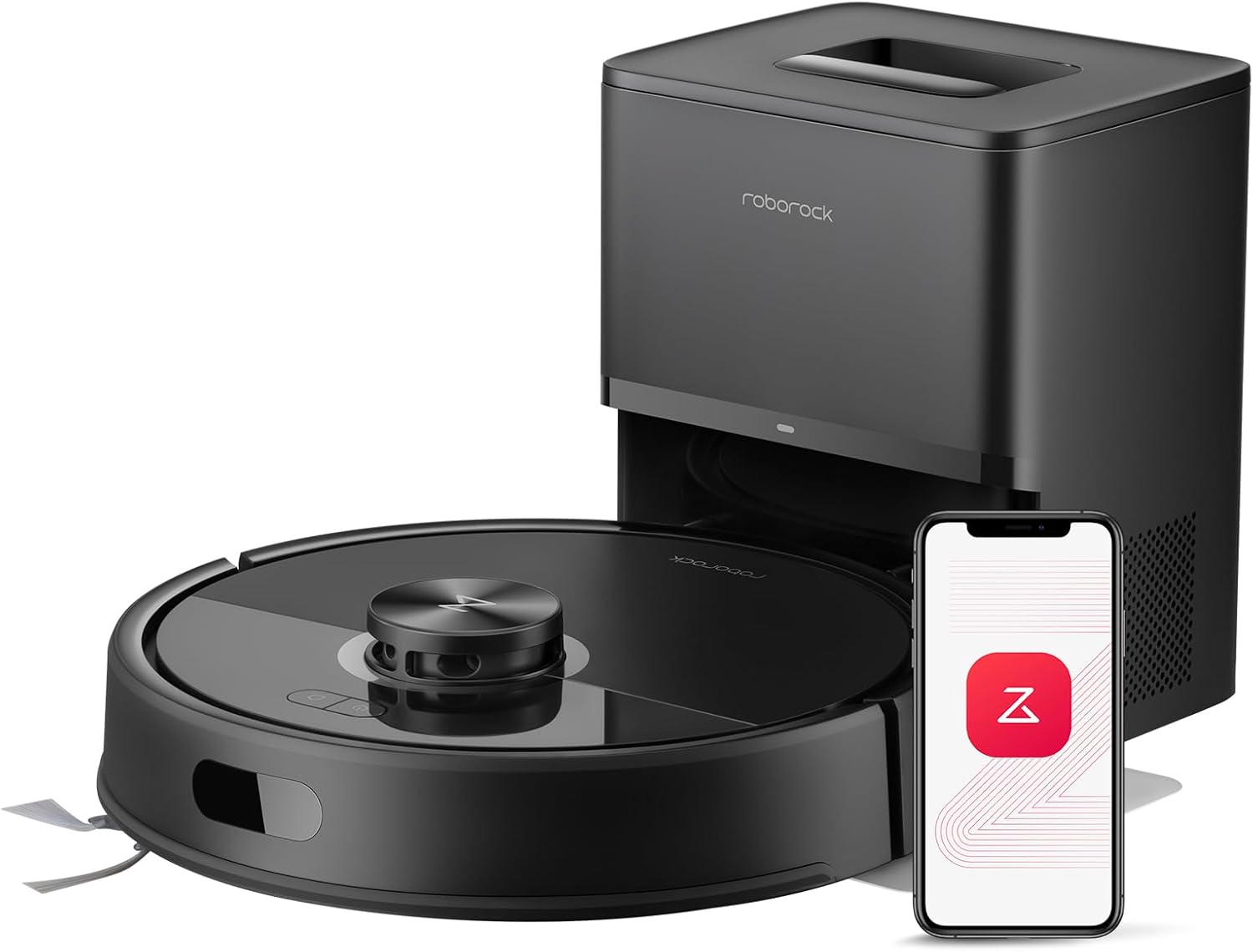
The roomba j7 plus for deaf homeowners setup is genuinely one of the most thoughtful in the category because iRobot's notification engine supports rich payloads — meaning the obstacle photo, room name, and recommended action all arrive together in a single banner. There is no need to open the app to interpret a cryptic error code.
Multi-Floor Homes and Wearable Mirroring
Deaf homeowners in two-story houses often miss alerts because their phone is on a different floor. The j7+ solves this by mirroring every push to Apple Watch (watchOS 9+) and Wear OS 4+ devices with full haptic patterns. We recommend assigning a custom prominent haptic on Apple Watch so iRobot alerts feel distinct from messages or calendar reminders. For households without a smartwatch, the smart-bulb approach — discussed in our robot vacuum smart-home integration guide — provides whole-home visual coverage.
What the j7+ Does NOT Do Well for Deaf Users
To be balanced: the j7+ Clean Base bag-full indicator is a small LED that is easy to miss if the dock is tucked behind furniture. Workaround: place the dock in line of sight or add a vibration sensor like a SmartThings Multipurpose Sensor on the dock lid, which can trigger a more visible alert. Additionally, the j7+ does not include a built-in screen on the robot itself, unlike some 2026 Roborock models. For deaf users who prefer at-a-glance status without the app, that omission matters — and is part of why we include the Saros 20 and Qrevo Edge 2 as alternatives above.
Frequently Asked Questions
Does the Roomba j7+ work without sound alerts for deaf users?
Yes. Every audible chime the j7+ produces has a corresponding push notification, in-app banner, and (with accessibility settings enabled) LED flash or vibration. Deaf users miss nothing by silencing the robot itself. We recommend muting the robot in the app to avoid disturbing roommates or pets while still receiving every visual alert.
Can the Roomba j7+ flash a smart light when it finishes cleaning?
Yes. Through Alexa Routines, Google Home Routines, or SmartThings, the j7+ "clean complete" event can trigger Philips Hue, LIFX, Nanoleaf, or any Matter-compatible bulb to flash or change color. Most users assign green to completion, red to errors, and amber to dock-full events for instant identification across the room.
Will the Apple Watch buzz when the Roomba j7+ has an error?
Yes, as long as the iRobot Home app is installed on the paired iPhone and notification mirroring is enabled in the Watch app. Custom haptic patterns can be assigned per app on watchOS 9 and later, making iRobot alerts distinguishable from texts and calendar events without looking at the screen.
Is the iRobot Home app fully accessible with VoiceOver and screen readers?
The iRobot Home app supports VoiceOver on iOS and TalkBack on Android, with labeled buttons and described map elements. For Deaf-blind users, the combination of screen-reader output and haptic alerts on a braille display delivers a workable experience, though the live map view remains primarily visual.
What happens if the Roomba j7+ gets stuck while I am asleep?
The j7+ sends a push notification immediately, then a second reminder after 15 minutes if unaddressed. Deaf users who schedule overnight cleans should disable Do Not Disturb for the iRobot app or route alerts to a bedside smart bulb that pulses red until acknowledged. The robot itself will safely shut down to preserve battery if no action is taken.
Are there robot vacuums with on-device screens for deaf homeowners?
Yes — the Roborock Saros 20 and Qrevo Edge 2 include status indicators and the dock displays full status text. If you prefer at-a-glance status without picking up a phone, those models are stronger picks than the j7+. Our best robot vacuums with screens comparison covers the trade-offs in detail.
Can I get obstacle photos on my phone with the Roomba j7+?
Yes. PrecisionVision Navigation captures a photo of any obstacle the robot avoids — cords, pet waste, shoes — and delivers it in the app alongside a text description. Deaf users can review the photo, decide whether to remove the obstacle, and tell the robot to resume, all without any audio interaction.
Does choosing the roomba j7 plus for deaf homeowners require any extra accessories?
No accessories are required, but three optional add-ons elevate the experience: a smart bulb for whole-home light alerts, a smartwatch for wrist-level haptics, and a vibration sensor on the Clean Base lid for redundant dock-full notifications. Total optional spend is typically under $80 and dramatically improves visual coverage across the home.
Key Takeaways
- Choosing the right roomba j7 plus for deaf homeowners means matching capacity and output ports to your actual devices
- Always check actual watt-hours (Wh), not just watts — runtime depends on Wh, not peak output
- Also covers: robot vacuum for hearing impaired users
- Also covers: j7 plus visual notification accessibility
- Also covers: best robot vacuum for deaf and hoh users
- Compare price-per-Wh across models to find the best value for your budget